Using Autocrat to showcase student work

As a teacher, it’s great to showcase student work, but it can be time-consuming to compile and share these accolades with parents. In this article, we walk through how teachers can use the Google add-on Autocrat to showcase student work in an efficient way.
Facebook
LinkedIn
X/Twitter
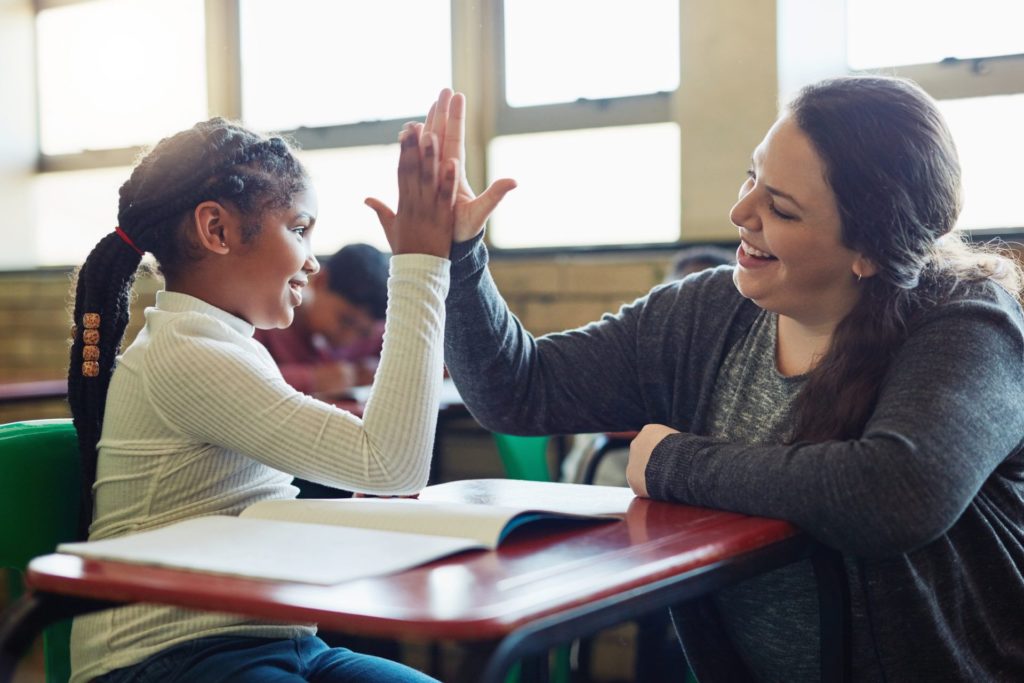
teacher giving a student a high five

Most teachers have sent home communication showcasing their students’ work in the classroom. 

For example, these communications might highlight a student showing leadership, compassion for others, hard work, or creativity.  

As a parent, I have found these notes buried at the bottom of my son or daughter’s backpack weeks later.  

Sometimes these time-consuming accolades get missed in the everyday chaos that is life.

This got me thinking about a Google add-on that I used years ago and had forgotten about:

Autocrat.

This add-on allows you to create a form where submissions can populate a Google Doc.

For example, a teacher could fill out a form by selecting a list of characteristics a student has exhibited and automatically generate a letter through Autocrat.

This letter could be easily emailed or copied and pasted into a Remind message sent out to families. 

Not only can teachers use this for communication in their classrooms, but they could also use it to create missing library book lists or lesson plans by identifying different fields in Autocrat.

Autocrat can be a bit tricky, but we’ve included a video below explaining how it can be set up: 

Already using Autocrat? We would love to hear how you are using this tool.

Facebook
LinkedIn
X/Twitter
Picture of Stacey Schuh

Stacey Schuh

Stacey is the director of Professional Learning Services at Michigan Virtual. She is responsible for planning and implementing professional learning experiences and works directly with teachers and administrators to ensure personalized professional development. Stacey is a former classroom teacher and national presenter.

You might also like...

Top-down View of Children in Classroom Use Tablets and Laptops, Connectivity by Lines of AI Data, Information. Diverse Kids Study with Interactive E-Learning, Modern Education, Digital Literacy

Have You Considered AI in Your Classroom? A Khanmigo Pilot Story

In a two-phase pilot across Michigan schools, educators used Khanmigo, an AI-powered tutor and teaching assistant, to explore how AI might support teaching and learning. Their reflections surfaced both opportunities and challenges. The big takeaway?...
Psychological concept of choices and Finding or Choosing the right life path with group of diverse people following intersecting paths to doors with central signpost on arrow, flat vector illustration

Out of Order, Still Out of Reach: Variations in Pacing among World Language Students

Cuccolo & Green’s (2025) report highlighted the relationship between students’ assignment submission patterns and final course scores. Given that pacing has important implications for student performance, knowing what assignment submission patterns look like across schools...
Illustration of three people using virtual reality (VR) headsets. Each person is interacting with a colorful, cosmic-themed environment featuring abstract planets, stars, and orbits. One person points at a floating circle, another raises their hand toward an orange sphere, and the third holds VR controllers, immersed in the experience. The background features deep purples, blues, and greens with celestial shapes like the moon and stars.

From Curiosity to Career: Exploring Possibilities with VR

Explore how immersive VR simulations helped students step into real-world roles: from EMTs to chefs, all without leaving the classroom....
A cheerful classroom scene with elementary-aged students working on laptops. A smiling boy in the foreground looks directly at the camera, while other students and a teacher engage in learning activities in the background. The classroom is softly lit, with large windows and warm yellow curtains.

The AI Horizon: Case Studies in Michigan Education’s Transformation (Part 2)

The work to integrate artificial intelligence in Michigan schools is gaining momentum. In Part 1 of this series, we looked at how four districts are building their own foundations through task forces, learning councils, and...

A classroom scene where a diverse group of elementary-aged students work on laptops at their desks. A smiling teacher leans over to assist one student, creating an engaging and supportive learning environment. Sunlight streams through large windows with yellow curtains in the background.

The AI Horizon: Case Studies in Michigan Education’s Transformation (Part 1)

The integration of Artificial Intelligence (AI) is rapidly shifting the landscape of education, presenting both unprecedented opportunities and novel challenges for K-12 institutions. Across Michigan, a wave of innovation is taking shape as K-12 schools,...

Two coworkers discussing work over lunch outside their office building while on a break

Mastering Change: Coaching as the Lever for Transformation in Education

Originally published in the Spring 2025 issue of the MASB Leaderboard Magazine. Introduction A few years ago, I came across Master of Change by Brad Stulberg, and it couldn’t have landed at a more fitting...

The Digital Backpack

Get our latest articles sent straight to your inbox every week!